01
Bring Your Own Audio
import custom MP3, WAV, OGG, FLAC, or M4A files directly
Desktop Audio Mixer & Ambient Sound Engine
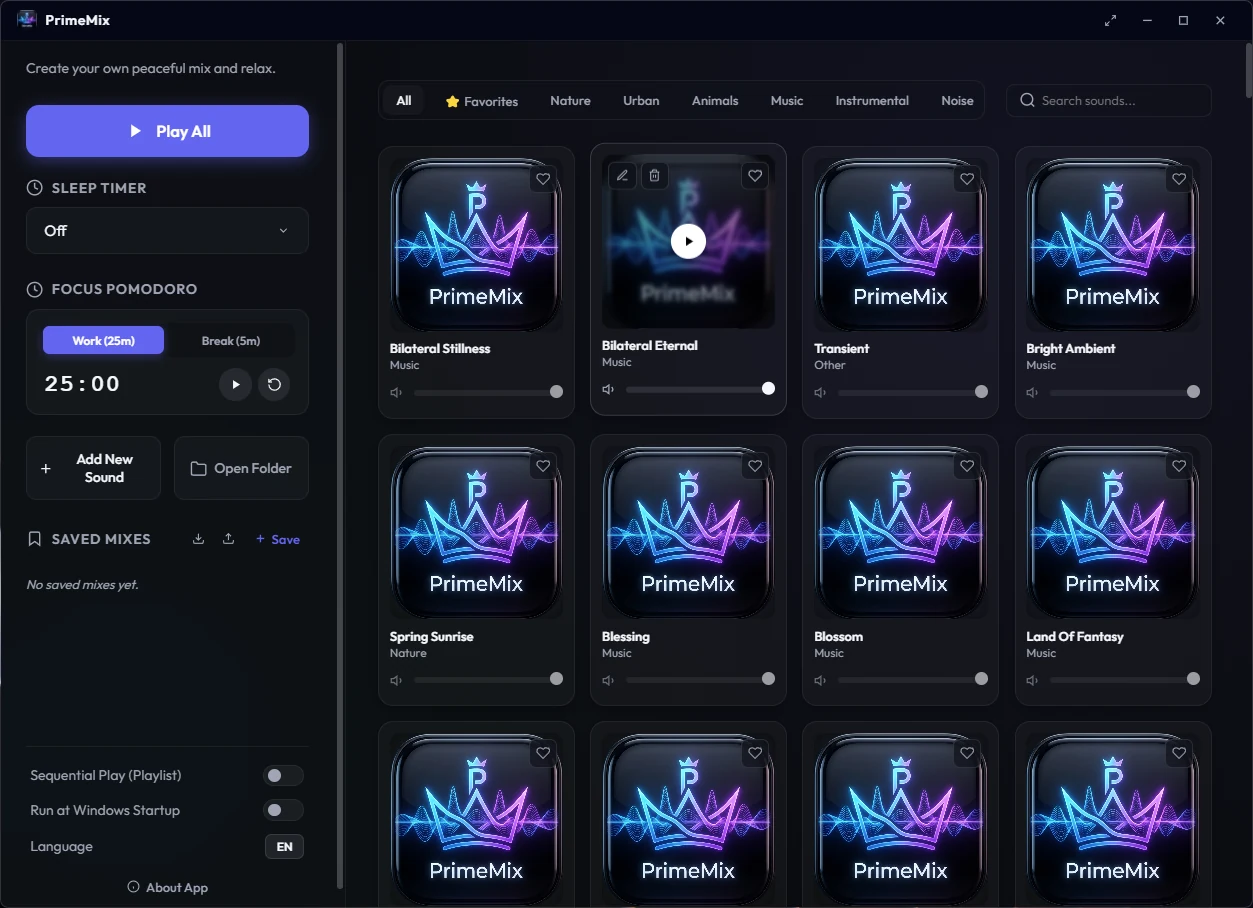
Import your own audio, independently mix up to three sounds, and shape a personal atmosphere with Pomodoro and sleep timers plus an always-on-top mini player.
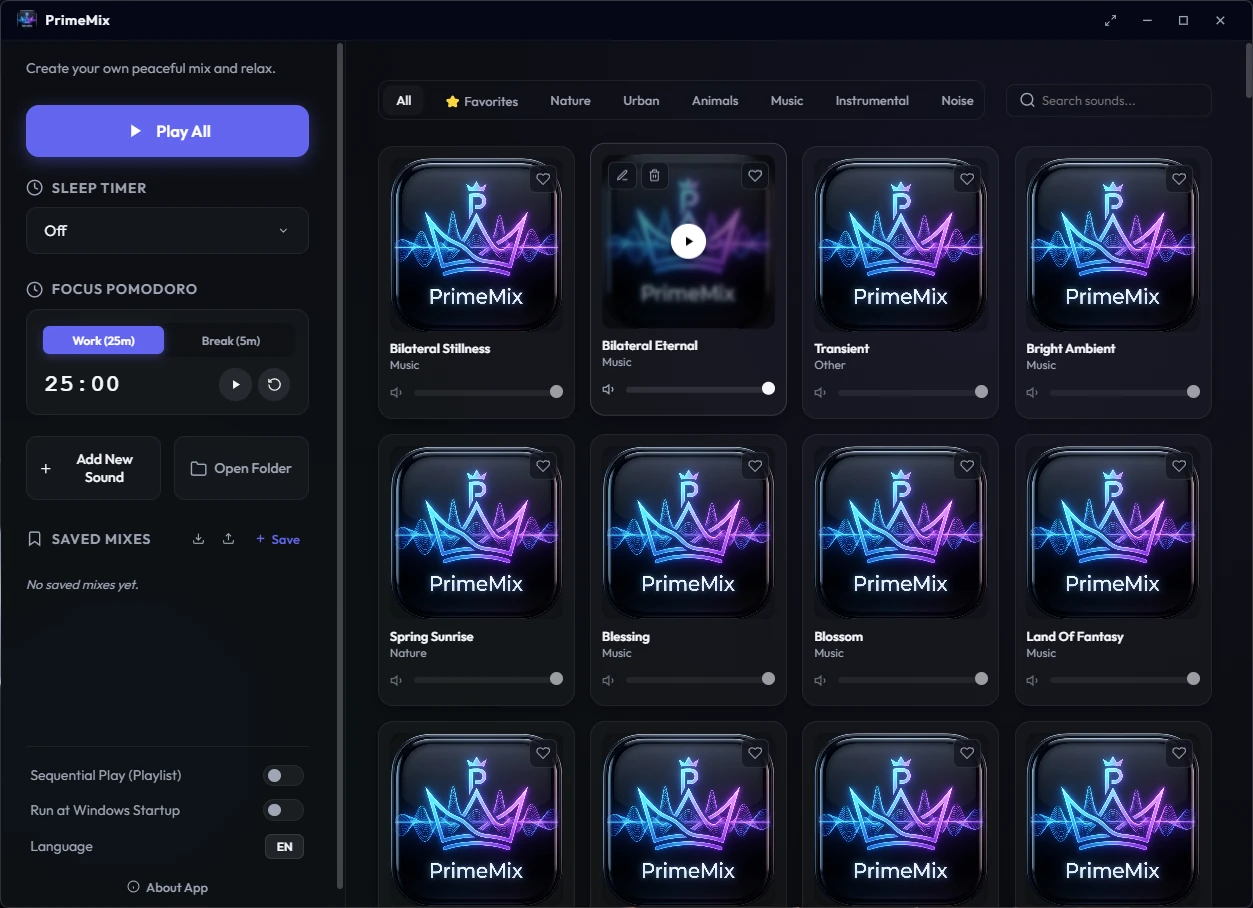
Core Capabilities
import custom MP3, WAV, OGG, FLAC, or M4A files directly
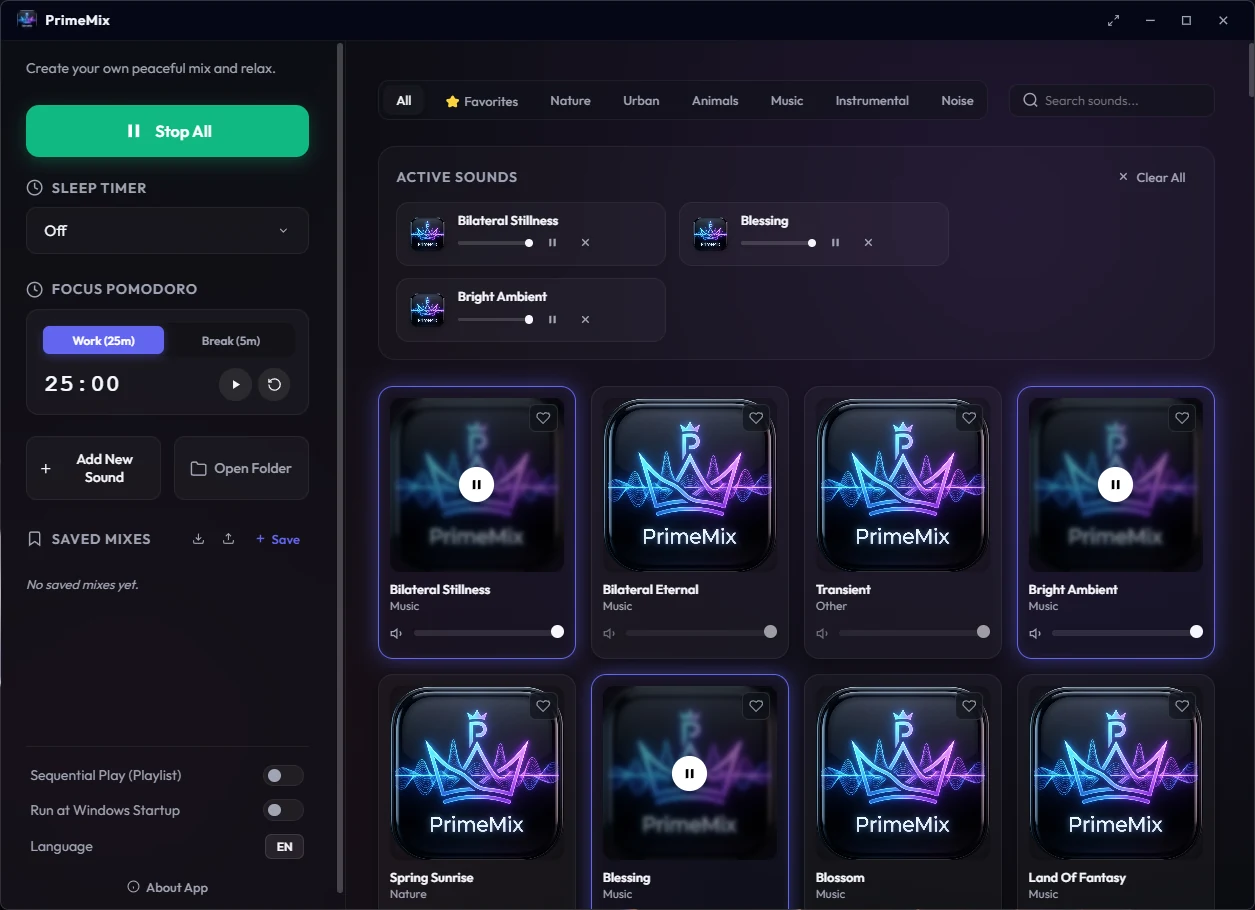
Layer and play up to three ambient sounds simultaneously with real-time mixing
independent track volume controls with fade-in/fade-out
filter by category or run live-text search across sound lists
save, load, and catalog custom soundscapes
import and export saved mixes as standardized configurations
customizable 25/5 Pomodoro and 15m to 2h sleep timer presets
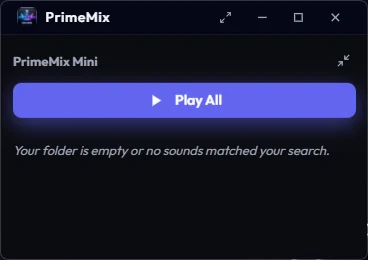
switch to a persistent, always-on-top mini player mode
edit track titles, category assignments, and cover art
minimize to system tray, run on startup, and trigger via global media controls
strict context isolation, disabled Node integration in renderer, and localized media paths
Controls
Visual Interface
Product
4 views · Swipe or use the controls
1 / 4