PrimeTranslate
Desktop translation with OCR, clipboard monitor, and tray speed.
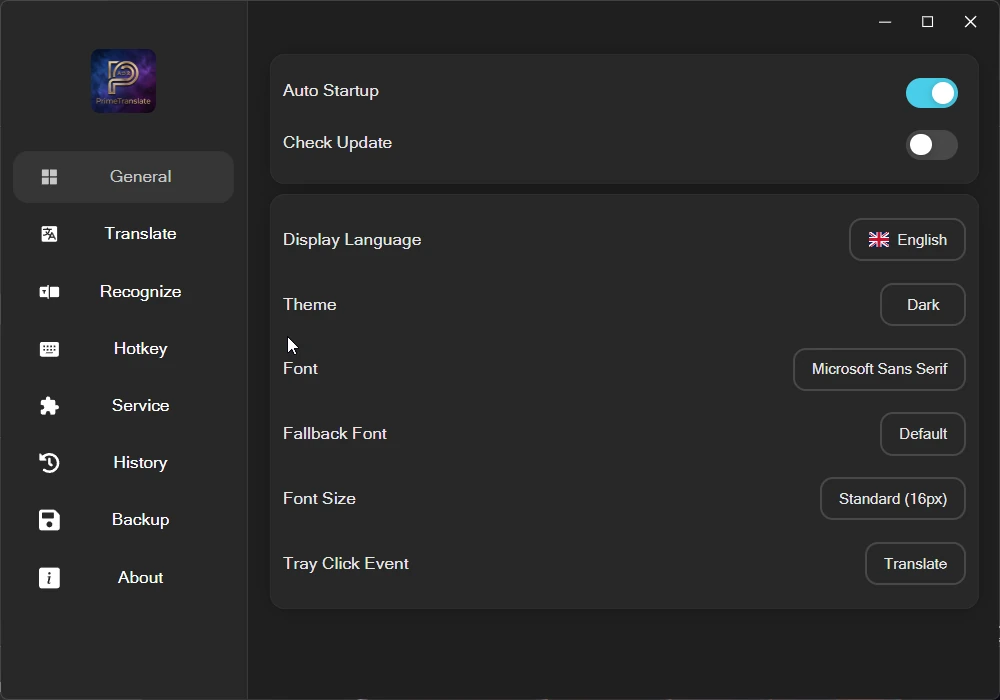
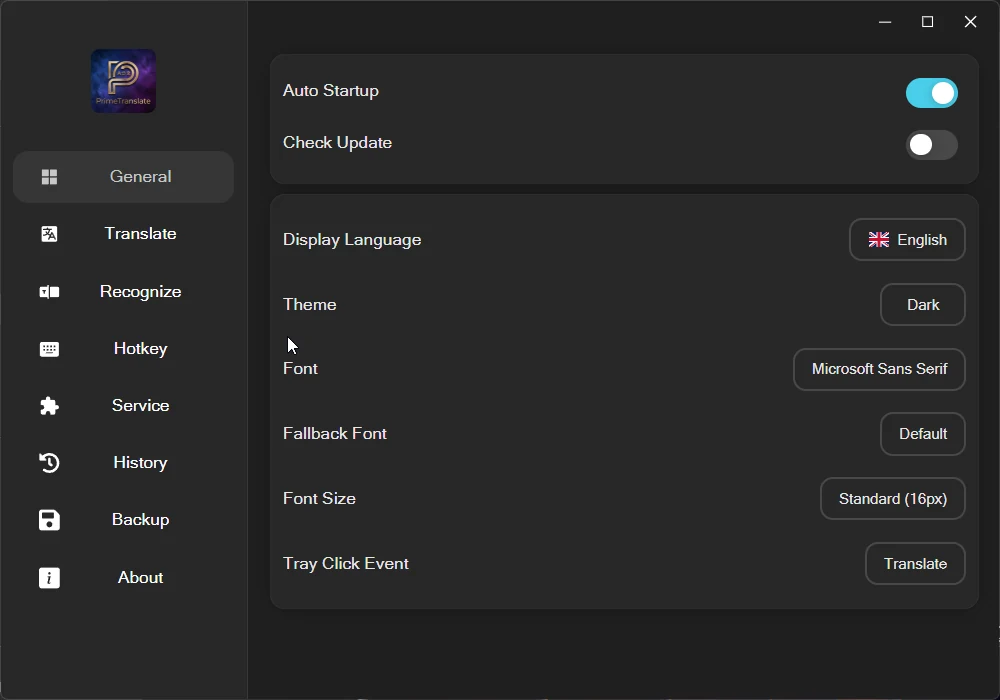
PrimeTranslate is a desktop translation utility from Maximus Prime Software (v3.1.0, GPLv3). Built as a modern Windows app with system tray, global shortcuts, and clipboard awareness, it supports input translation, clipboard monitoring, OCR recognize & translate (Windows Media OCR), history storage, and a plugin surface for extensibility. Designed for bilingual daily work: capture text, translate, copy, and move on.
- Version 3.1.0
- Licensed under GPLv3
- Windows desktop + tray
- OCR powered by Windows APIs
Product
Gallery
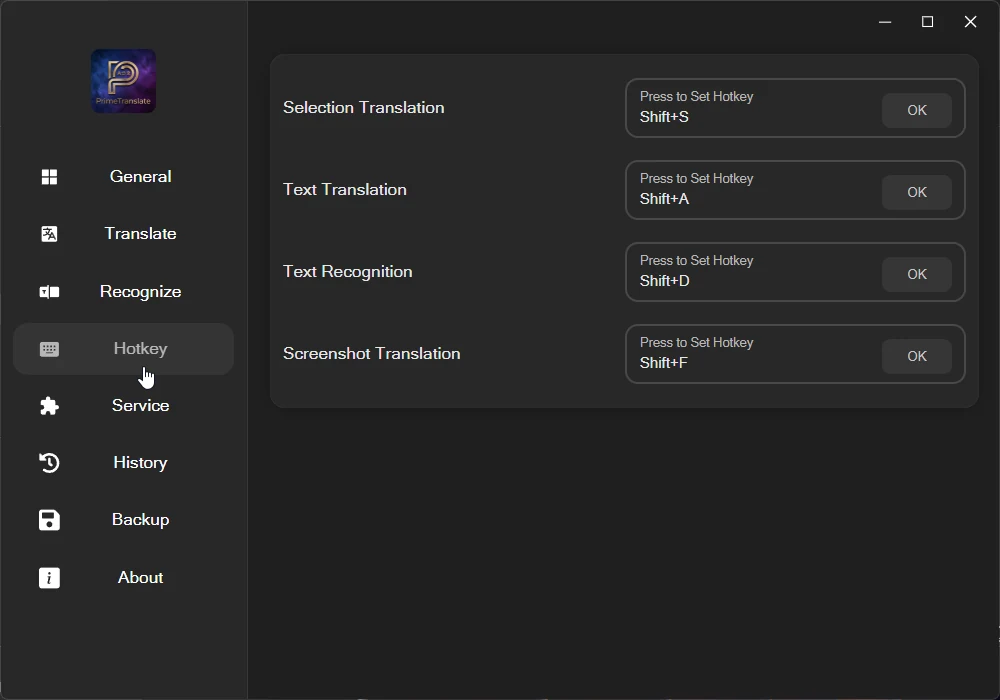
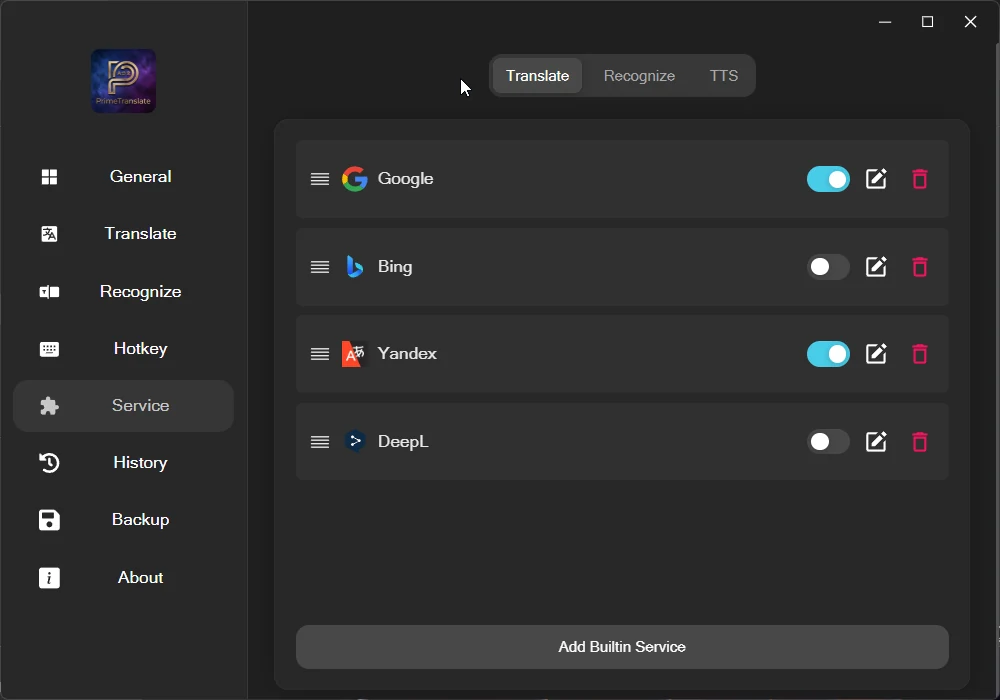
6 views · Swipe or use the controls
1 / 6
Capabilities
Key features
- Input translate for quick typed or pasted text
- Clipboard monitor with automatic copy workflows
- OCR Recognize and OCR Translate (Windows Media OCR)
- System tray app with global shortcuts
- Translation history backed by local database
- Plugin-ready architecture for extended workflows
- Configurable source / target language pairs
- Log viewer and restart controls from tray
- Lightweight always-available desktop UX
Architecture
How it is built
OCR pipeline
Uses Windows.Media.Ocr and imaging APIs for on-screen text recognition and translation.
Clipboard-aware
Monitor clipboard changes and route text into translate/copy pipelines with minimal friction.
Tray-first design
Stays out of the way until a shortcut or tray action is needed — built for power users.
Local history
Keeps a local history database for recent translations and review.
Technology stack
- Platform
- Windows desktop application
- OCR
- Windows.Media.Ocr / Graphics Imaging
- App identity
- com.primetranslate.desktop
- License
- GPLv3
- Publisher
- Maximus Prime Software
Requirements
- Windows 10 / 11 with language/OCR packages as needed
- Clipboard access for monitor mode
- Optional language packs for OCR accuracy
Languages
Distribution
- Windows desktop executable
- System tray resident workflow
More products
Questions about PrimeTranslate? Contact maximusprimesoftware@gmail.com or visit GitHub.