01
Translates text directly on your screen, overlaying results back onto the original layout
IN-PLACE SCREEN TRANSLATION
Detect text on a monitor or active window with local OCR, then display the translation directly over its original position and layout.
Core Capabilities
Translates text directly on your screen, overlaying results back onto the original layout
Performs high-speed local OCR with automatic multi-script script detection
Fully offline translation mode powered by embedded Bergamot neural translation engine
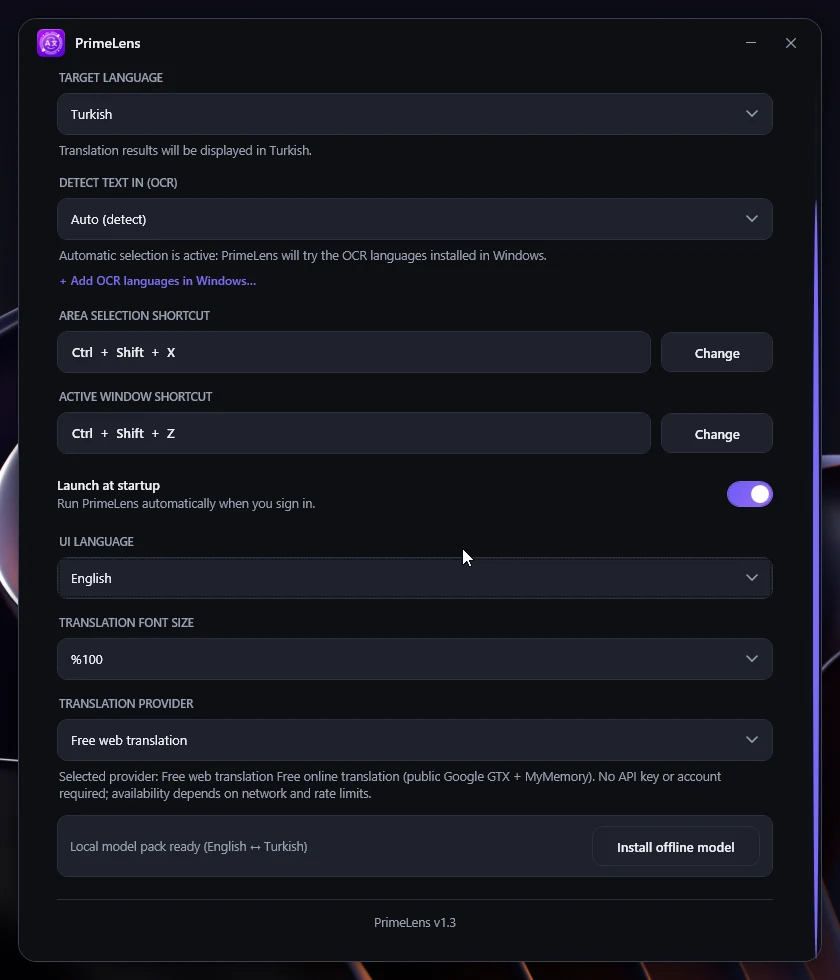
English ↔ Turkish offline translation packs with SHA-256 integrity verification on install
Free web translation fallback using Google GTX and MyMemory API wrappers (no API keys required)
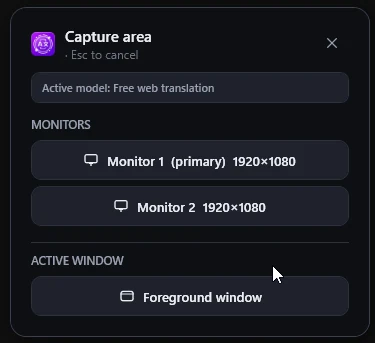
capture a complete monitor or target the active window
DPI-aware, multi-monitor support for consistent overlay placement across high-resolution displays
web mode is designed to send extracted text without uploading screenshots or telemetry
single-click menus, double-click capture triggers, and background execution
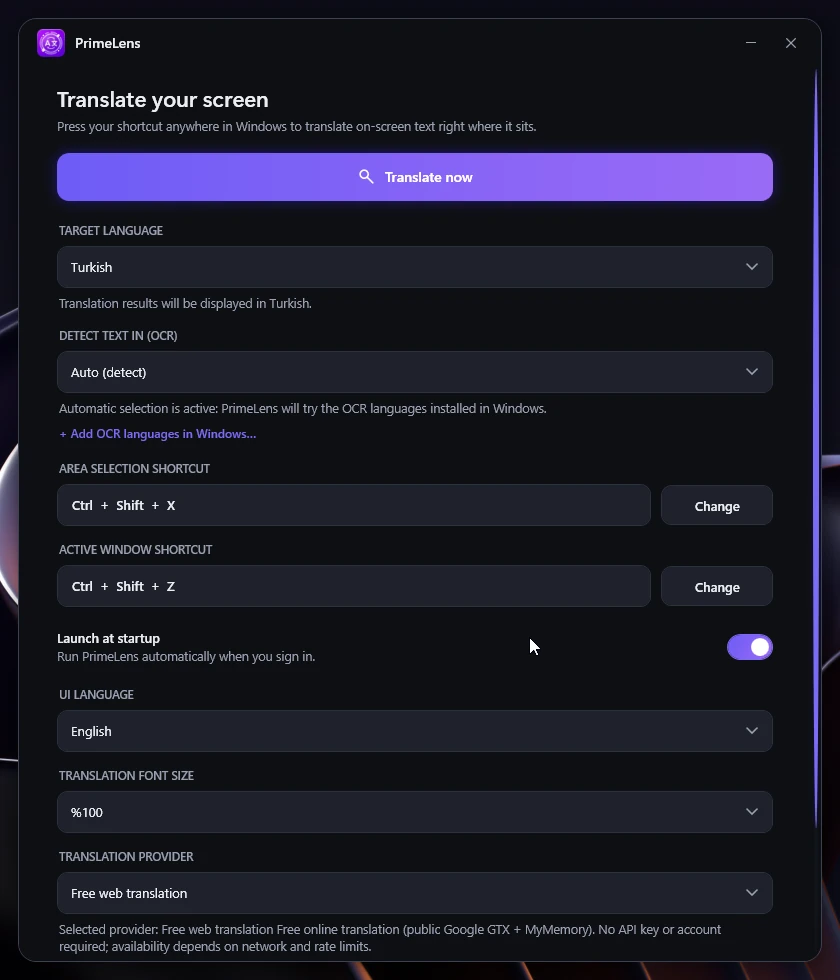
Visual toolbar stays top-center of the active screen with controls for scaling and font styling
Controls
Visual Interface
Product
3 views · Swipe or use the controls
1 / 3